 Bulk image resizer
Resize Multiple Images at Once
Resize up to 7 images together using the same custom size, platform preset, or different dimensions for each image.
Process multiple images simultaneously directly in your browser.
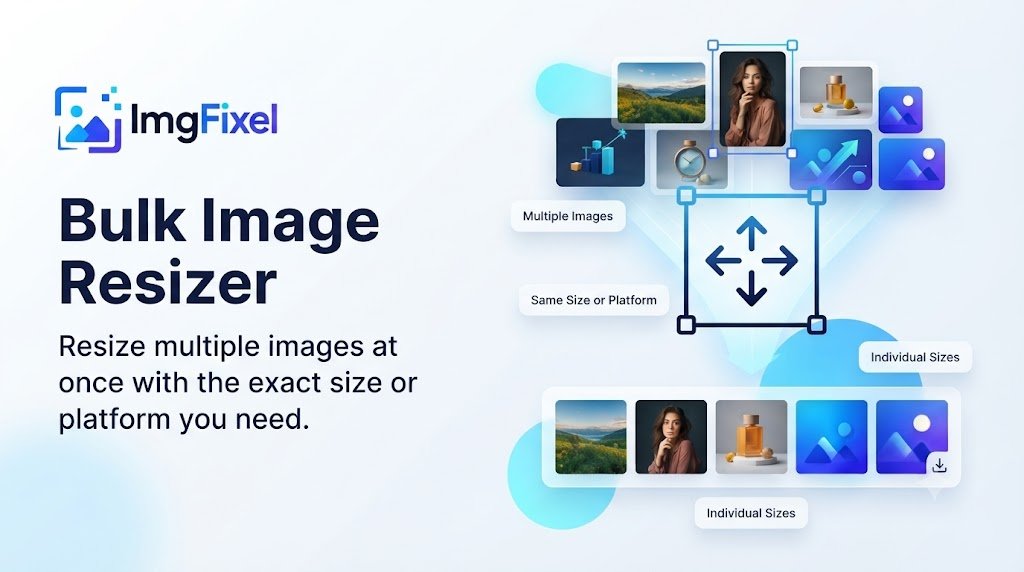
Bulk Image Resizer
Resize up to 7 images at once to the exact size or platform you need.
Resize up to 7 images
Process several images together instead of resizing every file separately.
Choose the workflow you need
Use the same size, the same platform preset, or give every image its own target.
Download your results together
Process your images as a batch and download the completed results together.
How to resize multiple images
1. Upload your images
Add up to 7 images to the bulk resizing workspace.
2. Choose a resizing mode
Resize everything to the same size, use one platform preset, or configure each image individually.
3. Process your images
ImgFixel processes each image using the resizing workflow.
4. Download the results
Review your resized images and download the completed batch.

Frequently Asked Questions
ImgFixel Bulk Image Resizer lets you upload and process up to 7 images at once.