JPG
Crop JPG Images
Shape-crop everyday photos and save the result as JPG with a solid background outside the crop.
 Format image cropper
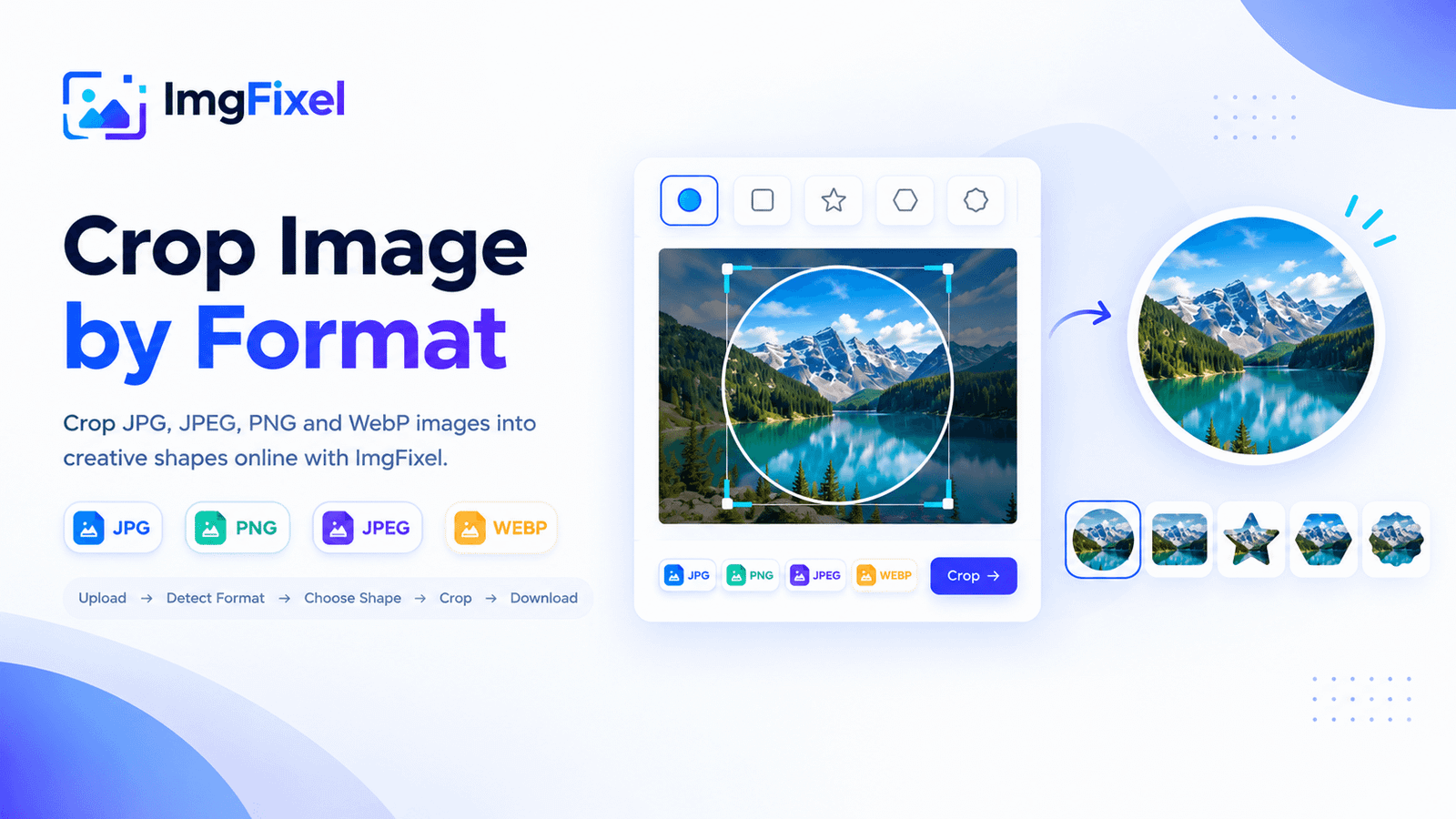
Crop JPG, JPEG, PNG and WebP images into creative shapes online. Choose a shape, frame the part you want to keep and download your cropped image in its original format.
No design experience needed. Start with your own image.
Drag & drop a file here, or browse from your device. Nothing ever leaves your browser.
Browse filesUpload → detect the format → choose a shape → adjust the crop → preview and download.
Whether you are working with a JPG photo, a JPEG image, a transparent PNG graphic or a WebP image for the web, ImgFixel brings shape cropping into one straightforward browser workflow. Upload your image, choose a shape and refine the framing before exporting the result.
Shape-crop everyday photos and save the result as JPG with a solid background outside the crop.
Use the same shape-cropping workflow for JPEG photos and common image files.
Create shaped PNG graphics with transparent areas outside the selected shape.
Shape-crop WebP images for web projects while retaining transparency where supported.
Choose a JPG, JPEG, PNG or WebP file. The editor detects the uploaded format.
Select a creative shape, move it over the part you want to keep and adjust its size or angle.
Check the shaped result and download it in the supported output format for your image.
Use the tool that matches your editing task. Choose a regular rectangular crop, explore more advanced editing controls or resize your image to exact dimensions.
Yes. ImgFixel supports JPG, JPEG, PNG and WebP uploads. Upload an image to detect its format, choose a shape and adjust the crop before downloading.
Explore more ImgFixel image tools for everyday editing tasks.