Crop Photos into a Circle
Turn rectangular photos into clean circular images for profiles, avatars, websites and creative designs.
 Crop Image into Circle
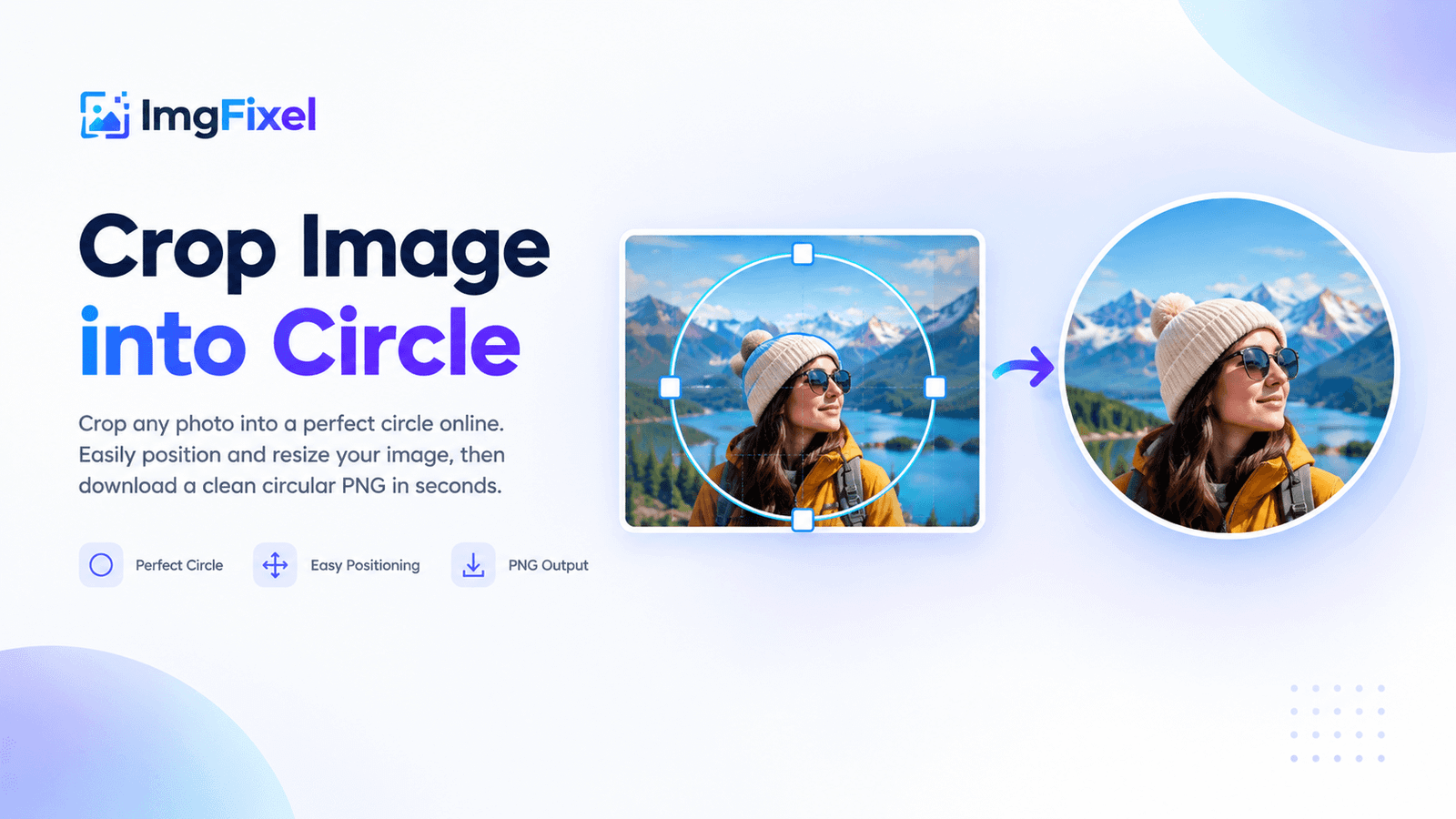
Crop any photo into a perfect circle online. Position, resize and frame your image precisely, then download a clean circular PNG in seconds.
Drag & drop a file here, or browse from your device. Nothing ever leaves your browser.
Browse filesUpload your photo → position the circle crop → create your circular PNG → preview and download.
ImgFixel makes it easy to crop a photo into a circle without using complicated photo-editing software. Upload your image, position the circular crop over the part you want to keep, and create a clean circular PNG directly in your browser.
Turn rectangular photos into clean circular images for profiles, avatars, websites and creative designs.
Adjust the crop to keep the important part of your photo inside the circular frame.
Export the finished circular crop as a PNG with transparent space outside the circle.
Circular images are useful for profile pictures, social media graphics, team photos, website sections, creator profiles, product designs and other layouts where a round image fits better than a rectangle.
Yes. Upload a JPG, PNG or WebP image, position the circular crop over the part of the photo you want to keep, and download the result as a PNG.
Looking for more image editing tools? Browse all ImgFixel tools.