60+ Creative Crop Shapes
Choose from circles, stars, badges, arrows and many other shapes to create a more distinctive image crop.
 Shaped Image Cropper
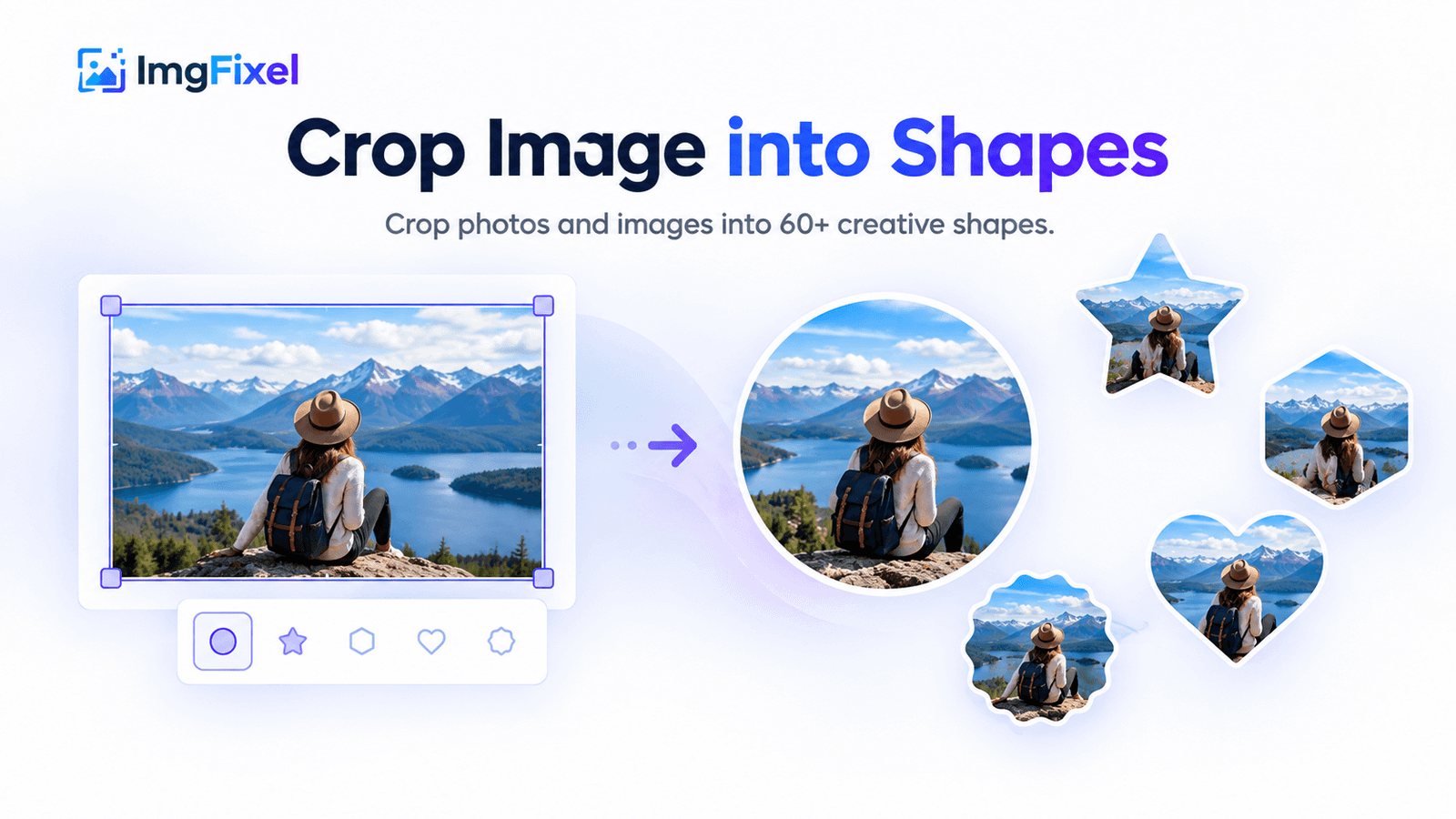
Crop photos and images into 60+ creative shapes, including circles, stars, badges, arrows and more. Create clean shaped image crops and download them as high-quality PNGs directly in your browser.
Drag & drop a file here, or browse from your device. Nothing ever leaves your browser.
Browse filesUpload → choose a shape → position and adjust it → create your shaped PNG → download.
Turn ordinary photos and graphics into shaped image crops without opening a full desktop editor. Choose from 60+ shapes, position the shape over the part of the image you want to keep, then export the result as a transparent PNG.
Choose from circles, stars, badges, arrows and many other shapes to create a more distinctive image crop.
Move, resize and rotate your selected shape to keep the most important part of your photo inside the crop.
The area outside your selected shape is removed so the shaped crop can be used on websites, designs, social graphics and other projects.
Use a circle for profile images, a badge for promotional graphics, a star for creative posts or another shape that fits your design. ImgFixel keeps the workflow focused on selecting a shape and getting the image crop you need.
Yes. ImgFixel lets you crop an image into 60+ creative shapes, including circles, stars, badges, arrows and other decorative shapes.
Want more advanced cropping controls? Try Magic Crop or explore all ImgFixel tools.