Custom Image Crop
Select exactly the part of your photo you want to keep and adjust the crop area to create the composition you need.
 Image Cropper Online
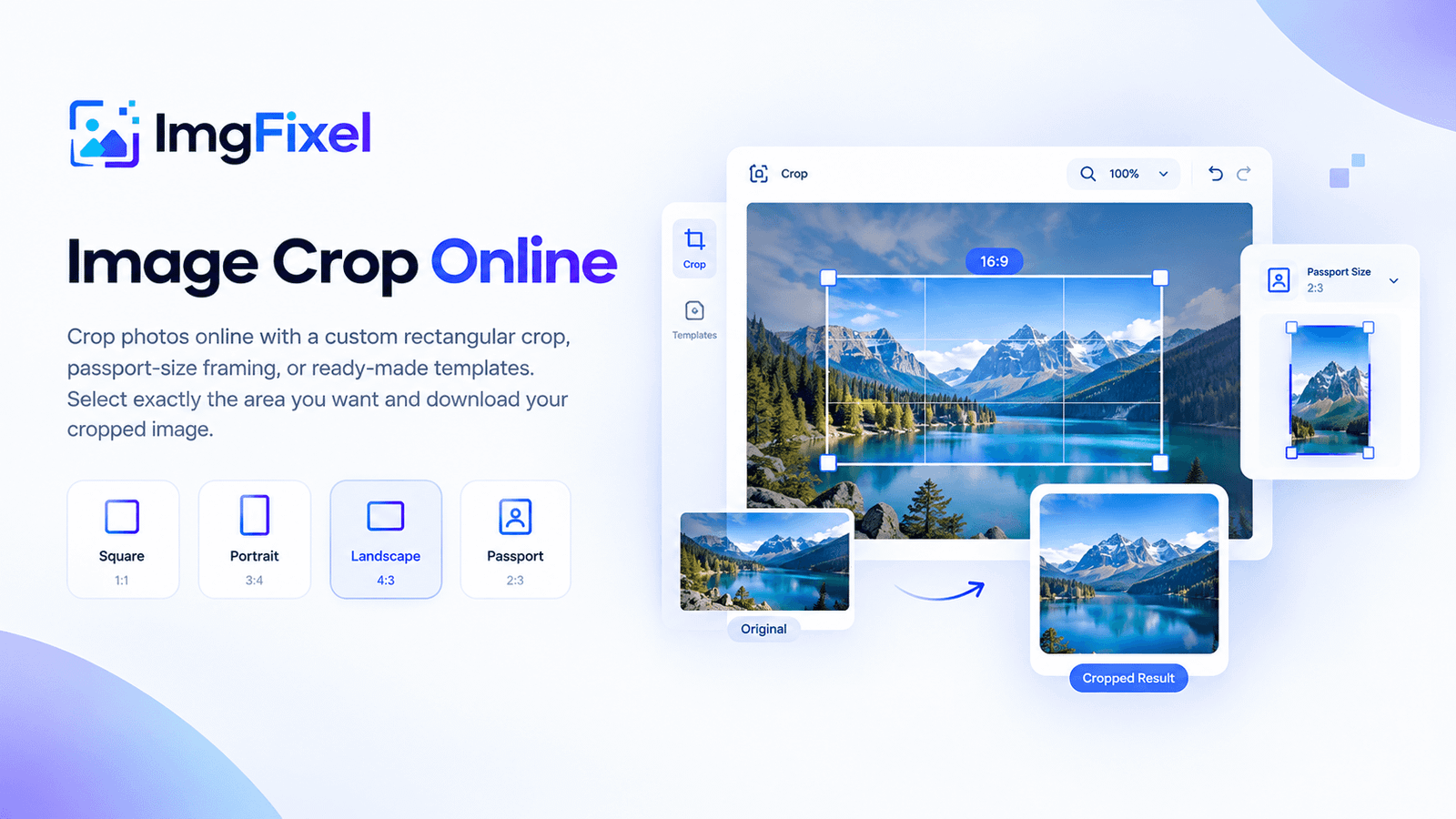
Crop photos online with a custom rectangular crop, passport-size framing, or ready-made templates. Select exactly the area you want and download your cropped image.
Drag & drop a file here, or browse from your device. Nothing ever leaves your browser.
Browse filesUpload your image → choose a crop ratio, passport size or template → adjust the crop area → preview and download your cropped image.
ImgFixel is a free online image cropper for photos, graphics and everyday images. Choose a custom rectangular crop, use a common aspect ratio, select a passport-size frame or start from a template. You can then move and adjust the crop area before downloading the result.
Select exactly the part of your photo you want to keep and adjust the crop area to create the composition you need.
Use the passport-size crop option to frame a portrait photo with the appropriate crop ratio.
Preview different crop formats and choose a template that matches the way you want your image to look.
Whether you need to crop a photo for a profile picture, prepare an image for social media, create a passport-size photo or simply remove unwanted edges, ImgFixel keeps the process simple. Upload your image, choose the crop you need, adjust the selection and download the finished image.
Need a different type of image editing? Try ImgFixel's resizing and advanced cropping tools.
Yes. ImgFixel lets you crop images online with a custom rectangular crop area, preset ratios and useful templates directly in your browser.
Looking for advanced creative cropping? Try Magic Crop or explore Smart Resizer.