 Instagram image resizer
Resize Images for Instagram
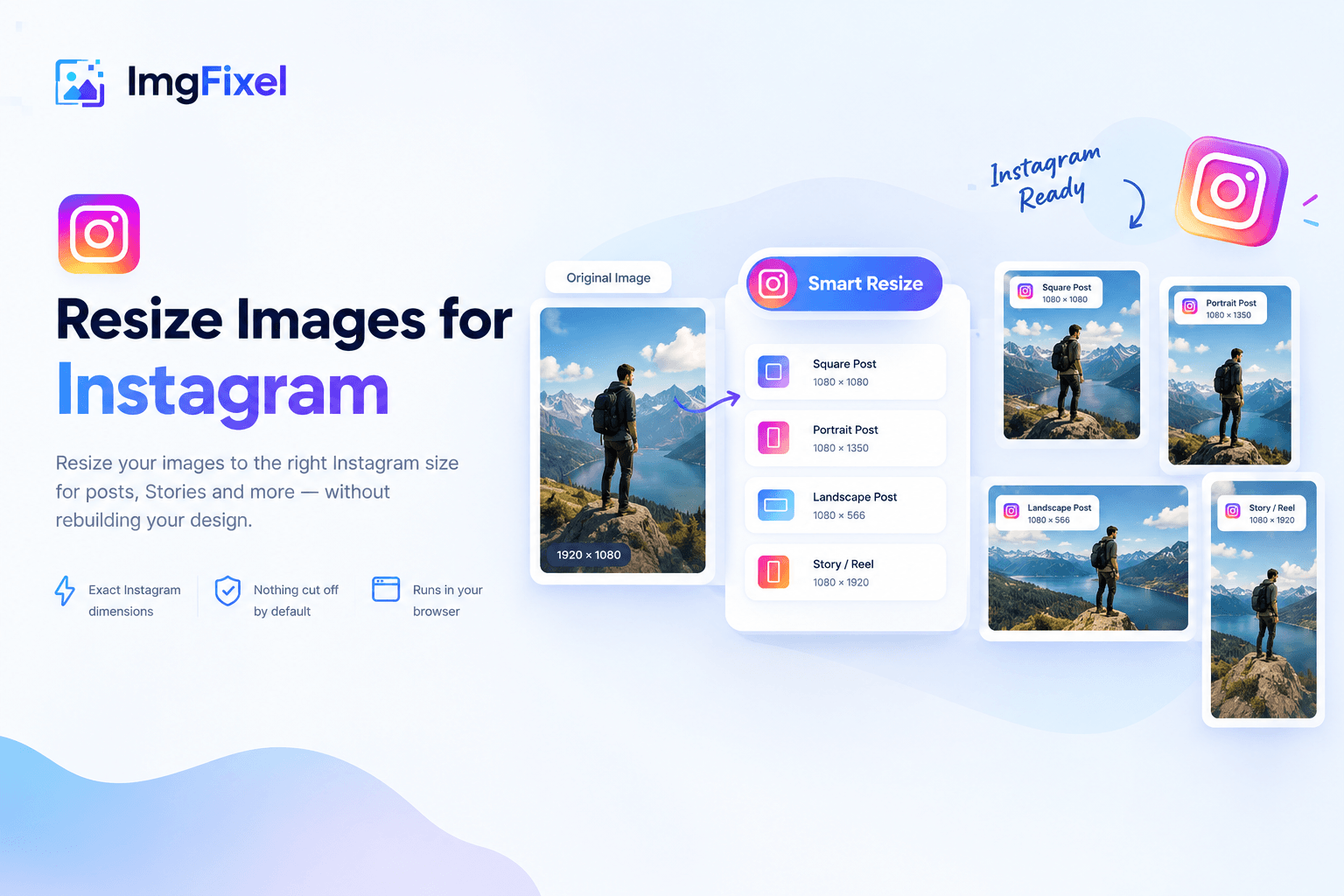
Resize your images to the right Instagram size for posts, Stories and more — without rebuilding your design.
Quick, browser-based resizing for every Instagram placement.
Drop your design to start
Upload a finished design, then pick the size you need. Any resolution works.
Browse filesPNG · JPG · JPEG · WEBP
Instagram sizes
Resize your image to the Instagram format you need
Choose a preset inside the tool instead of rebuilding the same design for every Instagram placement.
Instagram Square Post
1080 × 1080 px
Instagram Portrait Post
1080 × 1350 px
Instagram Landscape Post
1080 × 566 px
Instagram Story
1080 × 1920 px
Resize without rebuilding
Upload the finished design and let ImgFixel adapt it to the selected Instagram dimensions.
Keep the full design visible
The default fit mode avoids cutting off the original design. You can refine the result when needed.
Work privately in your browser
Image processing happens in your browser, so you can resize an image without sending the source file to a resizing server.
More ImgFixel tools
Keep your image workflow in one place


Frequently asked questions
Instagram image resizing questions
Quick answers about Instagram sizes, cropping and supported image formats.
For a square Instagram post, use 1080 × 1080 px. For a portrait post, use 1080 × 1350 px. For a landscape post, use 1080 × 566 px.