 Centimeter image resizer
Resize Image in CM
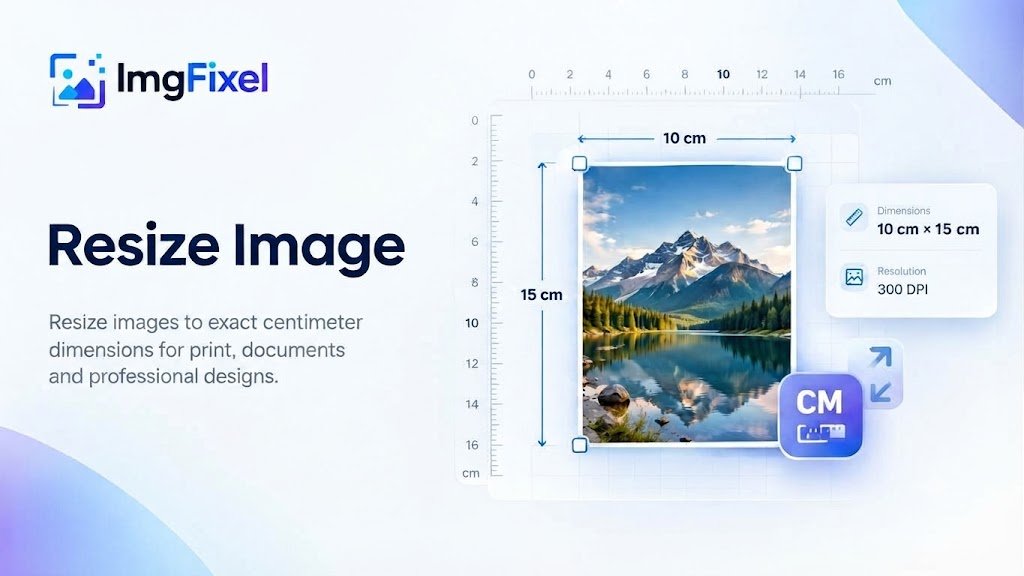
Resize an image to an exact width and height in centimeters. Choose the size and DPI you need for print, documents or other physical designs, then download the finished image from ImgFixel.
Prepare photos and graphics for printing with exact cm and DPI settings.
Drop your design to start
Upload a finished design, then pick the size you need. Any resolution works.
Browse filesPNG · JPG · JPEG · WEBP
Exact physical dimensions
Resize an image to the exact cm size you need
Centimeters are useful when an image needs to match a physical size rather than only a digital width and height. With ImgFixel, you can enter the width and height in centimeters and choose a suitable DPI for the final use.
Enter the size in cm
Set the exact width and height your image should have in centimeters.
Choose the DPI
Select a DPI that matches how the image will be printed or used.
Download the result
Generate the resized image, make any needed adjustments and download it in a supported format.
Common sizes in cm
Popular image sizes in centimeters
These dimensions are useful for common print and document projects. You can also enter your own custom size.
Small Photo
10 × 15 cm
A5 Size
14.8 × 21 cm
A4 Size
21 × 29.7 cm
A3 Size
29.7 × 42 cm
How it works
How to resize an image in centimeters
Set a physical image size in cm without having to calculate the pixel dimensions yourself.
Upload your image
Choose the JPG, PNG, JPEG or WEBP image you want to resize.
Choose Centimeters (cm)
Select centimeters, enter your width and height, and choose a suitable DPI.
Generate & download
Create the resized result, adjust it if needed, and download your image.
Set a physical image size
Enter the dimensions in centimeters when your image needs to match a real-world size.
Choose the right DPI
DPI helps determine the pixel dimensions used for a physical image size, which is especially useful for print work.
Resize in your browser
ImgFixel's resizing workflow runs in your browser, making it convenient to prepare images without a separate desktop editor.
Common uses
Useful when an image needs a specific physical size
Centimeter-based resizing can be useful for print layouts, documents, photos and other projects where the final physical dimensions matter.
More ImgFixel tools
Keep your image workflow in one place


Frequently asked questions
Resize image in cm questions
Quick answers about centimeter dimensions, DPI, image quality and common uses.
Upload your image to ImgFixel, choose Centimeters (cm) as the unit, enter the width and height you need, and generate the resized image. You can review the result and adjust it before downloading.