 Pixel image resizer
Resize Image in Pixels
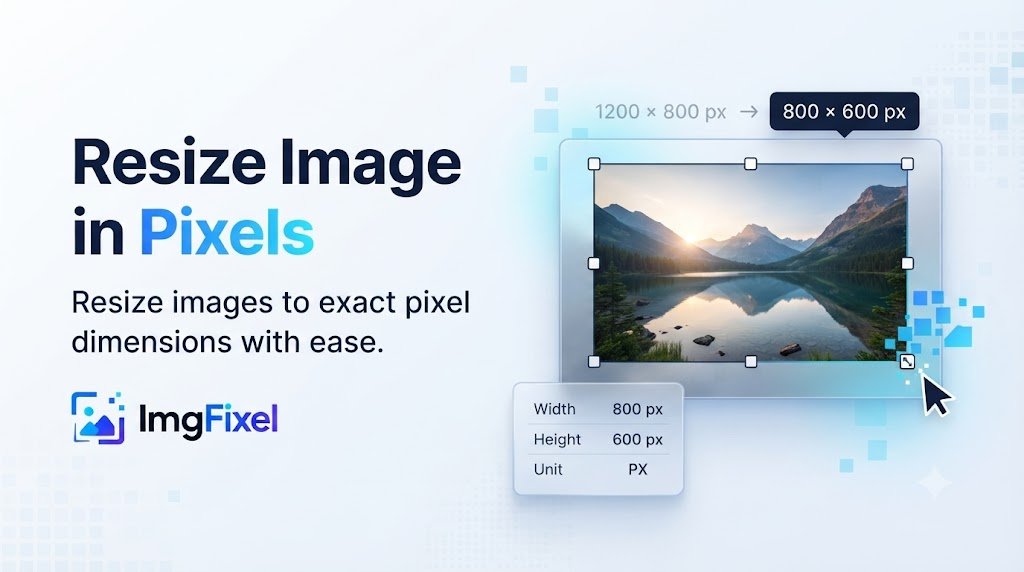
Resize images to exact pixel dimensions with a custom width and height. Upload your image, choose Pixels (px), adjust the result and download it directly from ImgFixel.
Fast, browser-based resizing to any exact pixel dimensions.
Drop your design to start
Upload a finished design, then pick the size you need. Any resolution works.
Browse filesPNG · JPG · JPEG · WEBP
Exact pixel resizing
Resize an image to the exact pixel size you need
Pixel dimensions are useful when a website, social platform, design brief or upload form requires a specific image width and height. With ImgFixel, you can enter the dimensions directly instead of guessing or repeatedly resizing an image.
Enter exact pixels
Set the width and height in pixels for the digital dimensions you need.
Adjust the result
Use the adjustment controls when the automatically resized result needs further positioning or refinement.
Download your image
Generate the resized image and download the result in a supported image format.
Common pixel dimensions
Popular image sizes in pixels
These are common digital image dimensions. You can also enter any custom width and height supported by the tool.
Square Image
1080 × 1080 px
HD Landscape
1920 × 1080 px
Portrait Image
1080 × 1350 px
Standard Web Image
1200 × 800 px
How it works
How to resize an image in pixels
Resize your image to custom pixel dimensions in a few simple steps.
Upload your image
Choose the JPG, PNG, JPEG or WEBP image you want to resize.
Choose Pixels (px)
Select the pixel unit and enter the exact width and height you need.
Generate & download
Create the resized result, adjust it if needed, and download your image.
Resize without rebuilding
Start with your finished image and resize it to the pixel dimensions required for your next use.
Keep control of the composition
The default resize workflow aims to keep the full design visible, with adjustment controls available when you need more control.
Resize in your browser
ImgFixel's image resizing workflow runs in your browser, making it convenient to work with your images without a separate desktop editor.
Built for everyday image work
Useful when an image needs a specific pixel size
Use custom pixel dimensions for social graphics, website images, thumbnails, profile graphics and other digital content.
More ImgFixel tools
Keep your image workflow in one place


Frequently asked questions
Resize image in pixels questions
Quick answers about pixel dimensions, custom resizing, cropping and supported image formats.
Upload your image to ImgFixel, choose Pixels (px) as the unit, enter the exact width and height you need, then generate and download the resized image. You can also adjust the result before downloading.